Freelancers and small business owners who send invoices and want a realistic expectation of when payment will arrive.
How it works
- Enter the invoice amount, select the client type, and choose the payment terms.
- Click the estimate button to apply the deterministic delay rules.
- View the estimated payment date and a plain-language verdict on payment risk.
- Save the estimate to the local history list or copy the result text to share.
What you gain
- Get a realistic payment date in seconds
- Understand payment risk with a plain-language verdict
- Keep a local history of past estimates for reference
- Easily copy results to share with your team
- No account or data retention required
Screenshot
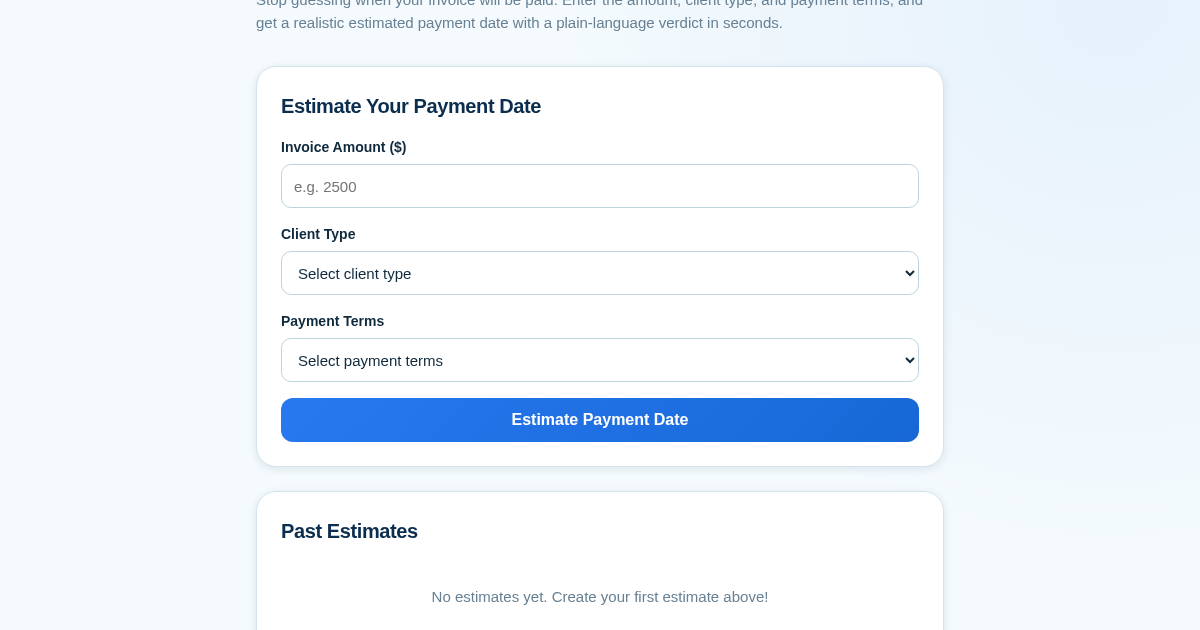
How to set up & use
- Open the estimator page.
- Enter the invoice amount.
- Select the client type from the dropdown.
- Select the payment terms.
- Click 'Estimate Payment Date'.
Frequently asked questions
Is my invoice data stored or shared?
Your estimates are saved only in a local history file on your own server. Nothing is sent to any third party.
How accurate is the estimate?
The estimate is based on deterministic rules for client types and payment terms. It gives a realistic expectation, not a guarantee.
Related products
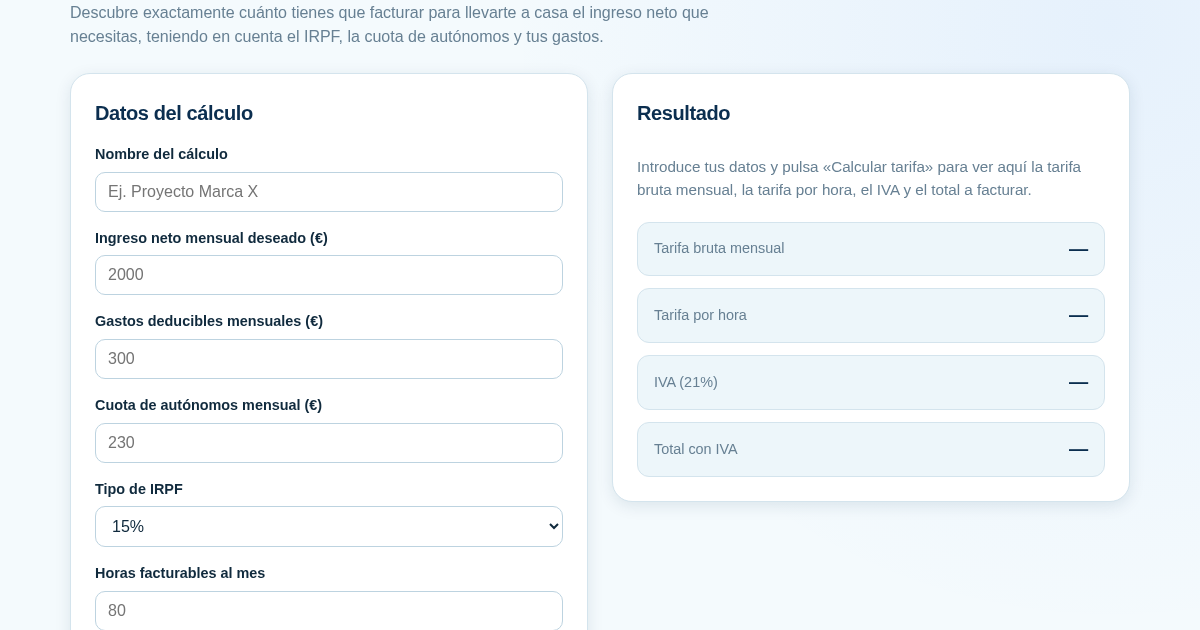
Calculadora de Tarifas para Autónomos
Muchos autónomos fijan sus tarifas sin saber cuánto necesitan facturar realmente para alcanzar el ingreso neto que quieren. Esta calculadora parte del neto mensual deseado y calcula la facturación bruta necesaria…
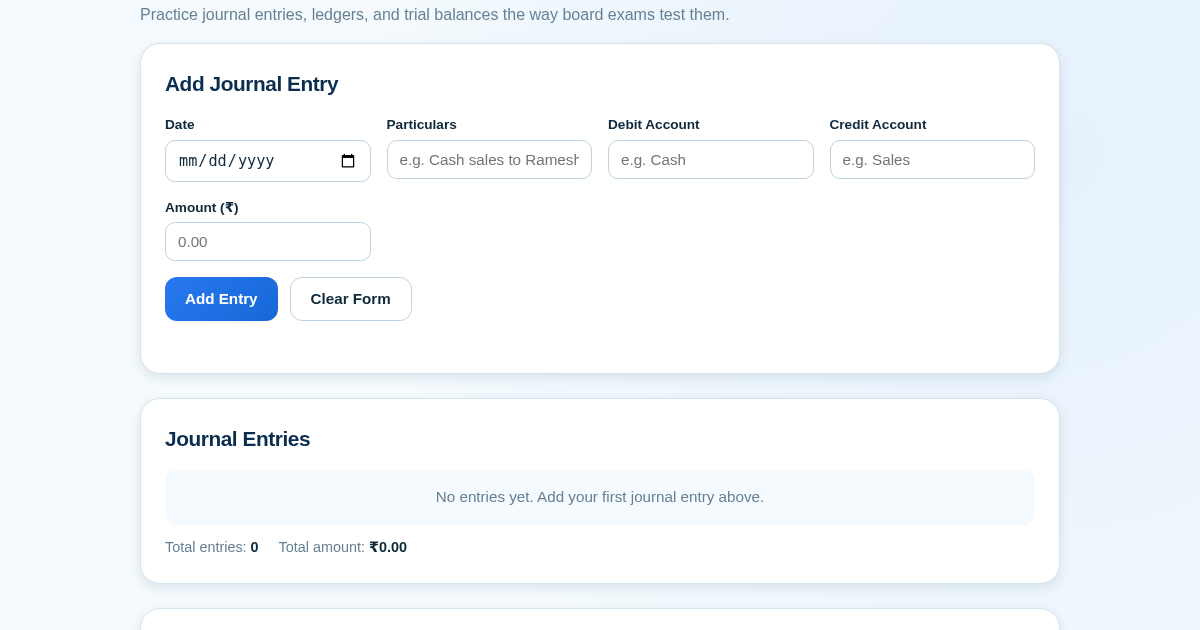
Ledger & Trial Balance Practice Tool
Commerce students in Class 10-12 need to practice journal entries and see how they flow into ledgers, trial balances, and balance sheets for board exams. This tool lets them enter transactions and instantly see the…
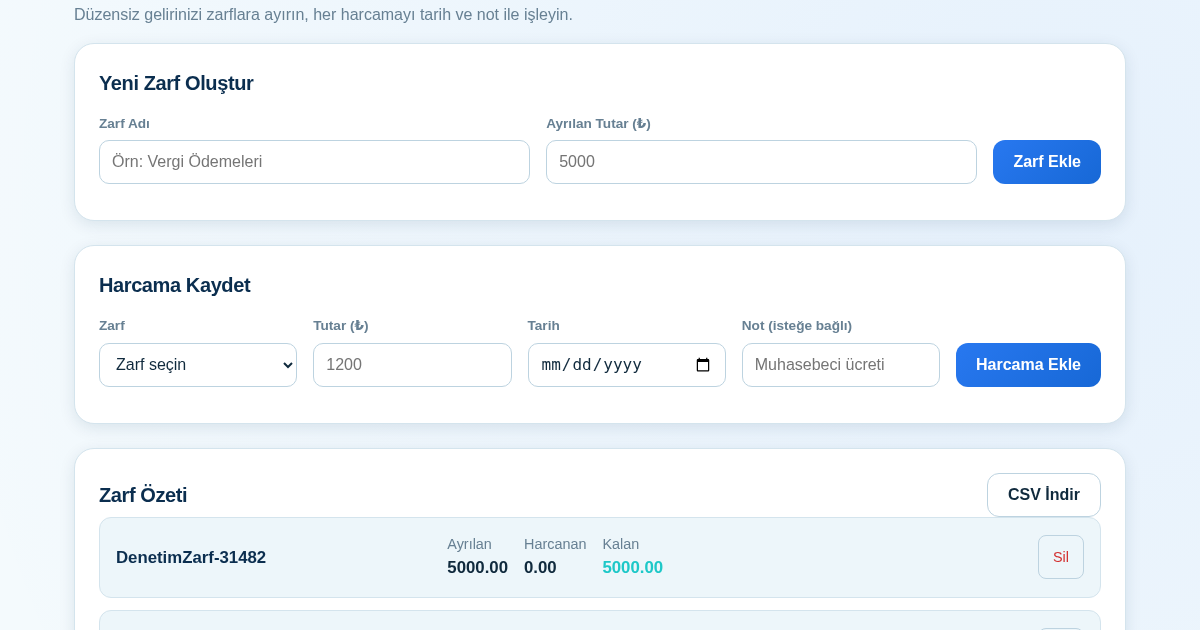
KASA - Serbest Çalışanlar İçin Zarf Bütçesi
Serbest çalışanlar düzensiz gelirlerini vergi, kira ve yaşam giderleri gibi zarflara bölerek bütçelerini düzenli tutabilir. Her harcamayı tarih ve not ile ilgili zarfa işleyerek ne kadar ayırdığını ve ne kadar…
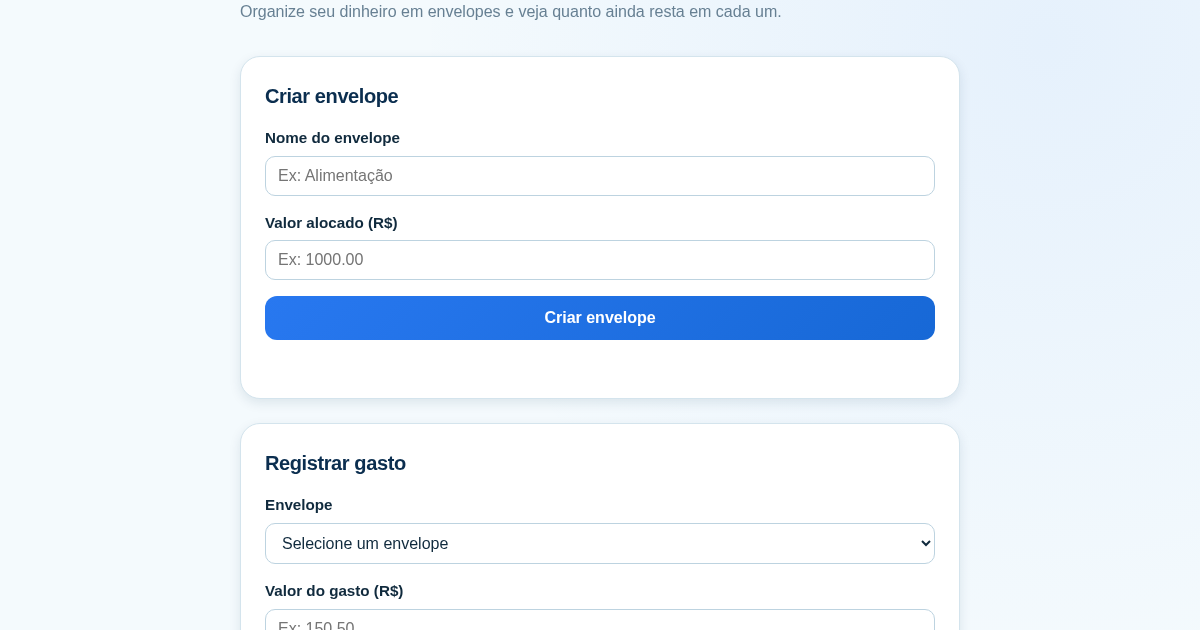
Calculadora de Orçamento por Envelopes (Pix)
Este aplicativo ajuda brasileiros a organizar seu dinheiro em envelopes de orçamento, como alimentação, transporte e lazer, sem precisar conectar uma conta bancária. Ele resolve o problema de controlar gastos do dia a…